Easy setup. Inbox Zero, fast — every day.
Zero by Right Inbox sets up Gmail and Outlook like a pro, with easy-to-write rules in plain English.
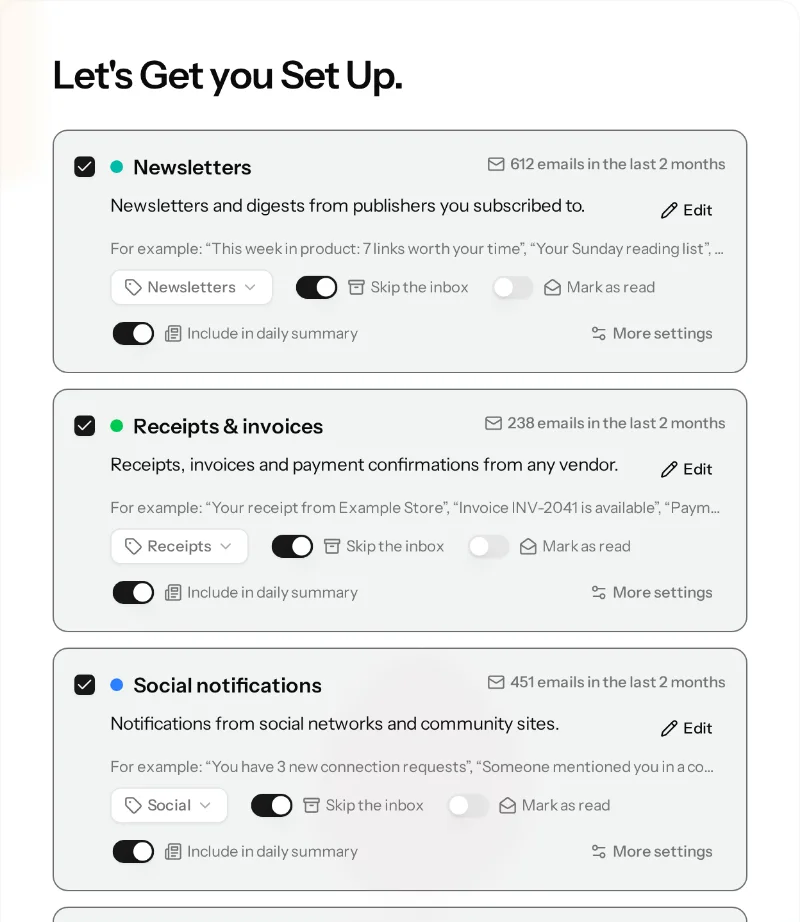
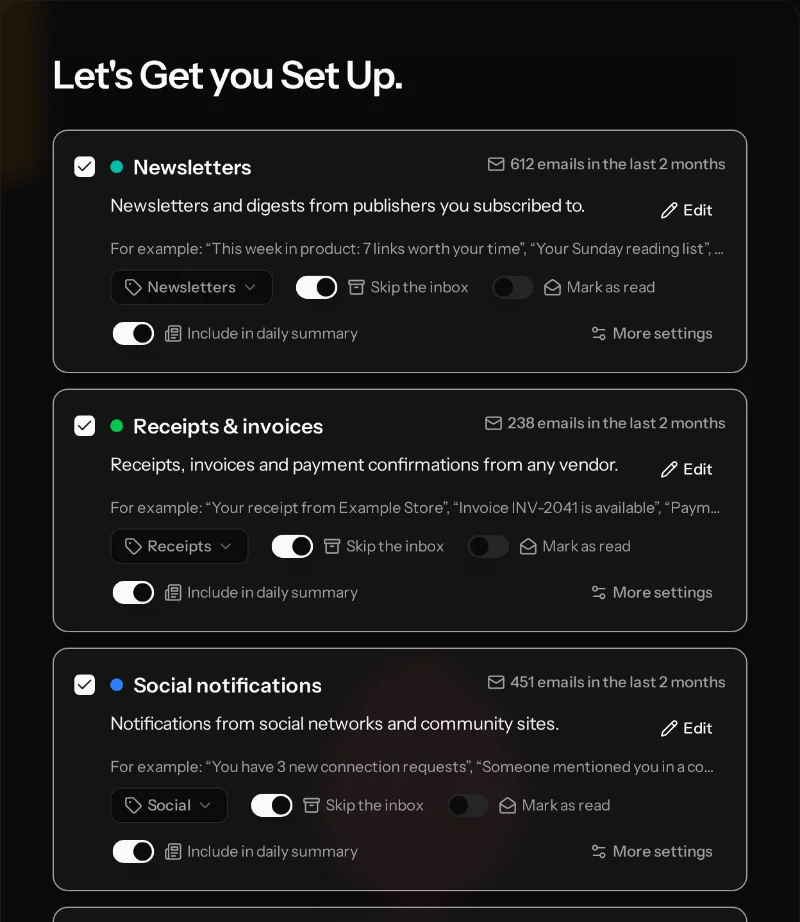
We set up your rules for you — just approve them. Adding your own is easy too.
No credit card required
Using Right Inbox? Zero is included with every paid Right Inbox plan.
Who it's for
People with heavy, mostly non-personal email: founders and small-business owners, consultants and freelancers, agency and sales people, managers without an assistant. Typically 200+ emails a day: newsletters, receipts, notifications, cold pitches and CCs, with the critical emails that matter buried among them.
How Zero is different
Rules in plain English
Say it the way you think it
Rules in Zero are plain English. Gmail and Outlook filters are made through awkward menus and only match literal senders, subjects or keywords. They can't say “emails asking me to do something” or “receipts from any vendor”.
Set up for you
Zero builds your rules from your own inbox, and you approve them. Because rules match by meaning, new senders don't slip through.
Your call, not one-size tabs
Tabs like Promotions or Focused sort everyone the same way. With Zero you decide what stays in your inbox and what can wait.
Nothing out of sight
Filtered mail shows up in your Daily Summary, so you can skim it once a day instead of worrying you missed something.
Gmail and Outlook
The same rules work on both.
Rules and Daily Summary
Everything in one place
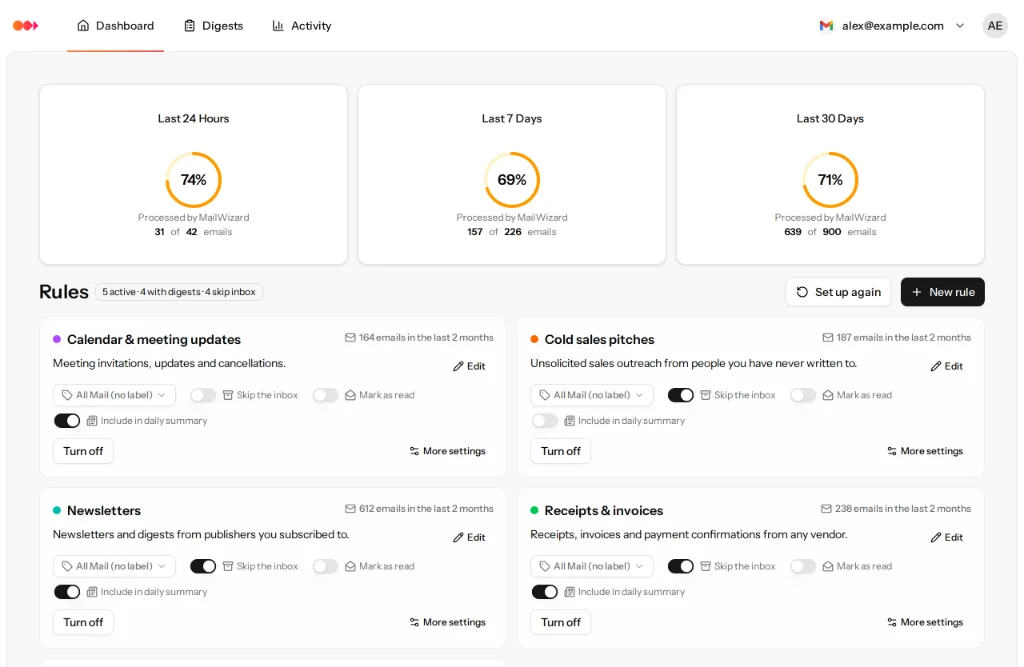
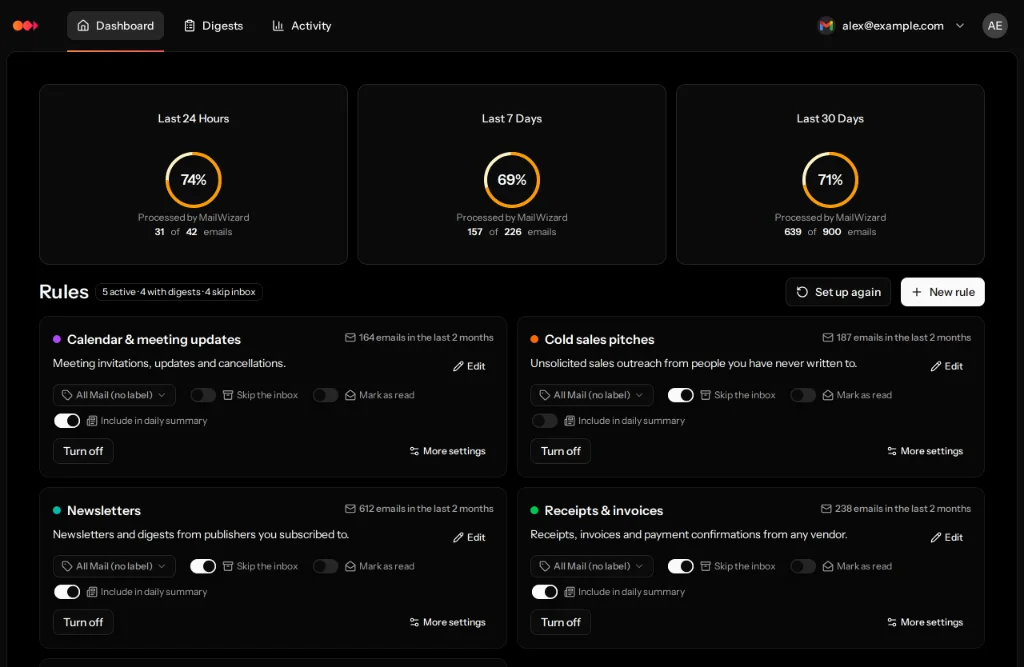
Your rules at a glance
See every rule and how much mail it handles. Turn skip-the-inbox, mark-as-read or the Daily Summary on or off with one click, or describe a new rule in a sentence.
Daily Summary: filtered mail stays in view
What your rules move out of the inbox is summarized for you, on the schedule you pick. Skim it, open what matters, done.
Pricing for Zero
14-day free trial. Cancel anytime.
- Unlimited Rules: Create intelligent filters (e.g. "Emails containing a task for me" or "Frustrated customer emails with negative tone")
- Email Actions: Let emails automatically archive, label or move
- Summaries: Get overviews of your emails when you want them
- 500 emails a day
- 1 Email Account
No credit card required
- Unlimited Rules: Create intelligent filters (e.g. "Emails containing a task for me" or "Frustrated customer emails with negative tone")
- Email Actions: Let emails automatically archive, label or move
- Summaries: Get overviews of your emails when you want them
- 1,500 emails a day
- 2 Email Accounts
No credit card required
Start your 14-day free trial instantly — no credit card required. We'll remind you before it ends so you can decide what's next.
Already on a paid Right Inbox plan? Zero is included. Open it from the Right Inbox menu in Gmail.
Privacy and Security
Where your email goes and how we protect it.
Hosted in Germany
Your data is stored on our servers in Germany.
AI processing
To sort and summarize your email, we send the parts of an email that are needed, such as sender, subject and text, to the AI and text-to-speech services we use. Some of this processing takes place outside the EU, including in the United States.
Encryption
Sender, subject, email text and recipients are stored encrypted with AES-256, and so are your Gmail and Outlook access tokens. Data in transit uses HTTPS.
Access you control
Access to your mailbox is through the official Google or Microsoft sign-in, so we never see your email password. Zero asks for permission to read, label and move your mail so your rules can act on it. You can revoke access at any time in your Google or Microsoft account.
Frequently Asked Questions
Have questions about Zero? Find quick answers to common inquiries below.
Ready for Inbox Zero, every day?
Start your free 14-day trial. We set up your rules for you — just approve them.
No credit card required • Cancel anytime